|
Home Table of Contents News Dev Blogs Gallery Timeline Legend Tags Sponsors |
|
Join us on... |

|

|

|

|
|
Home Table of Contents News Dev Blogs Gallery Timeline Legend Tags Sponsors |
|
Join us on... |
|
|
|
Current: Month Day, Year
Create and use poses and animations. Grouped by body poses and facial expressions.
Predefined poses and expressions are available in menu “Load Poses” and “Expressions”. These poses also work without a skeleton assigned since they always use the internal skeleton.
To load a pose double click the icon with the pose. The character will be displayed posed. Filters allow to search for certain poses.
An expression is loaded the same way.
Poses and expressions are made with the skeleton, so no morphs are applied.
Pose and expression editor are used in a similar way. Select the part you want to change.
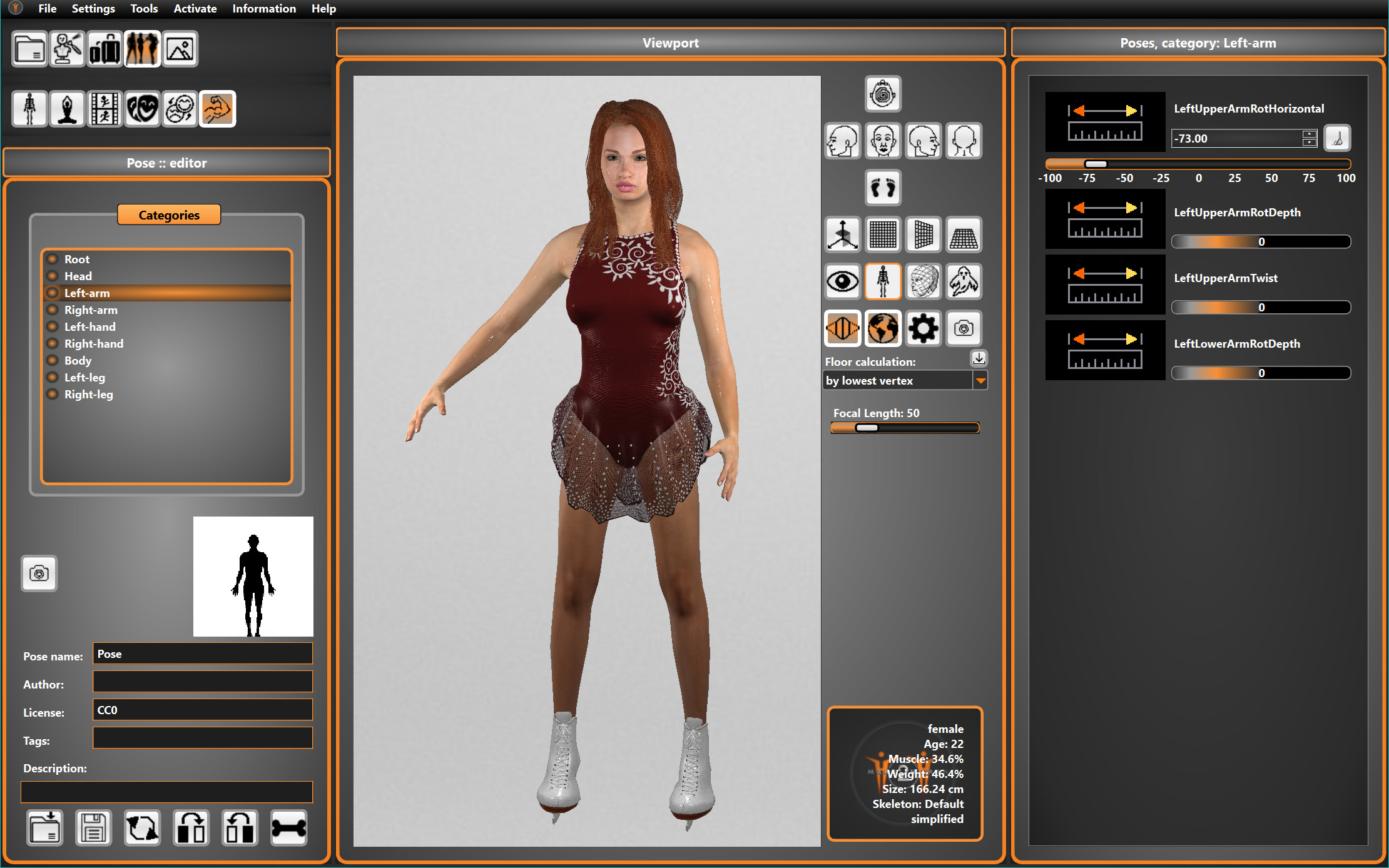
For example select the left arm in pose editor like shown and rotate arm horizontally. It is possible to create a symmetric pose by clicking the left to right button (front view).
If you need the changes as an overlay for an exsting pose or animation, click on the bone button.
It is possible to save or load a pose as an mhpose file (not bvh).
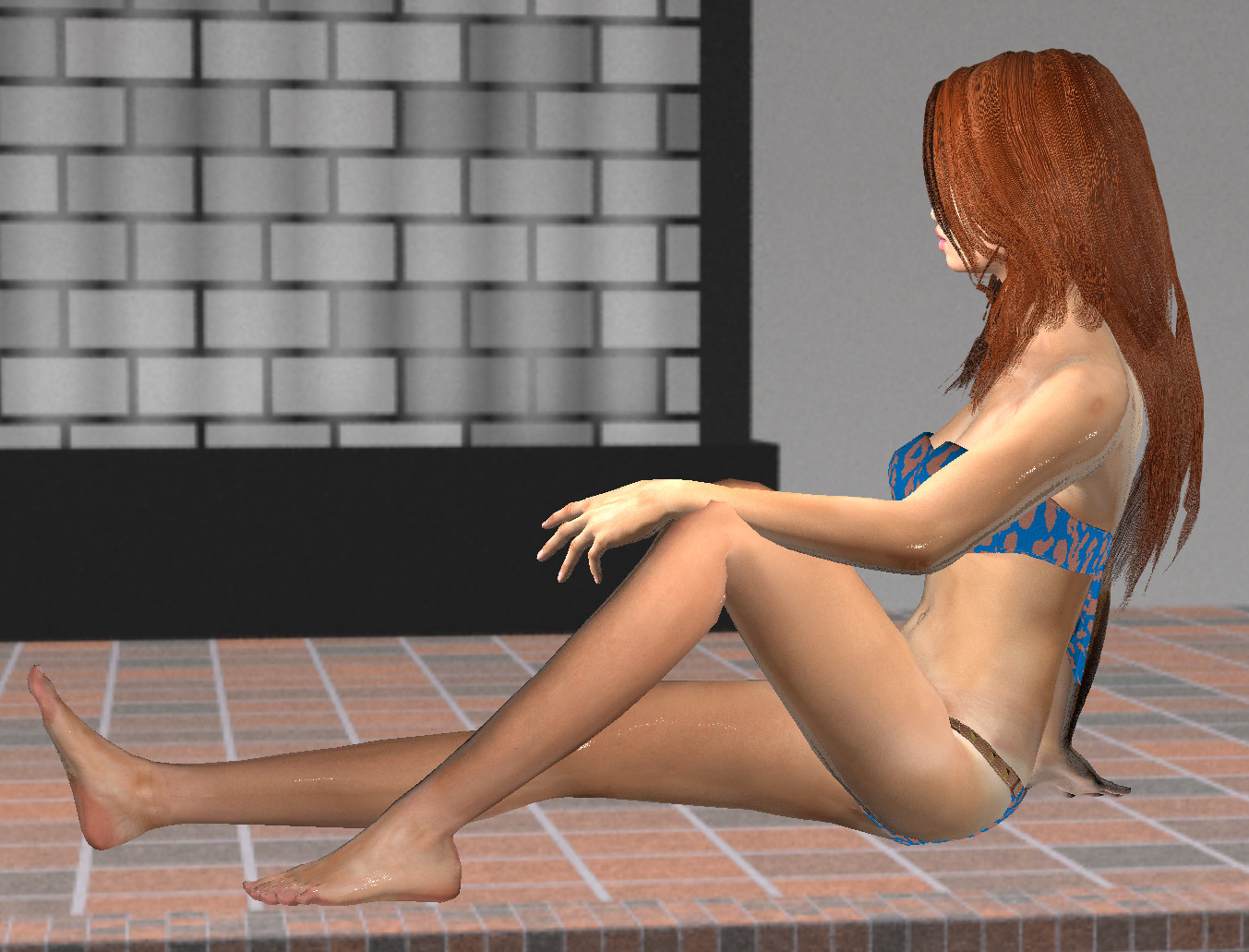
We added some poses and animations to start with. Some of these poses may have intersecting limbs because of different bone lengths. This might result in a pose like this:
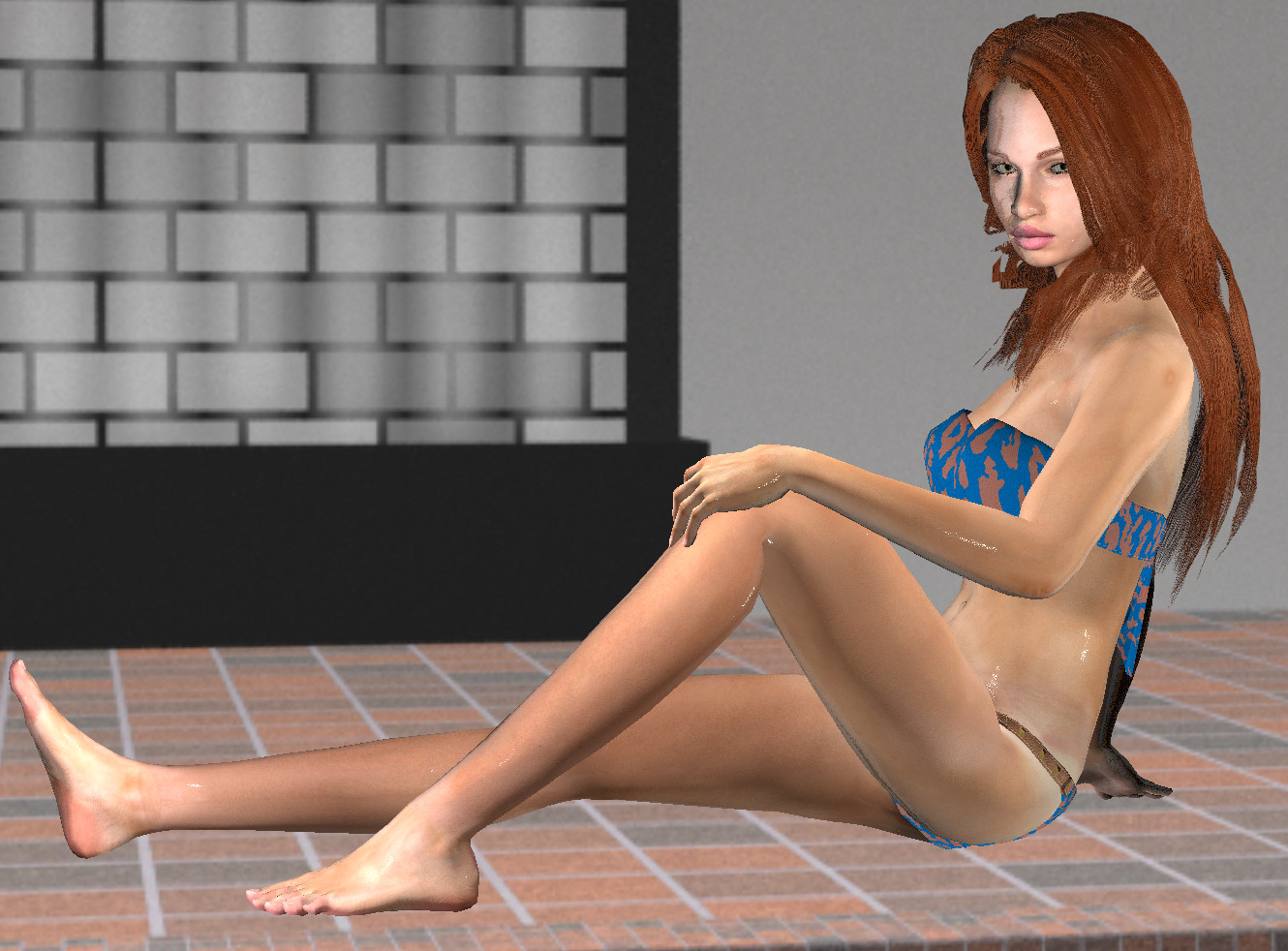
Turning the arms slightly and changing left hand and fingers, also turning head a little towards viewer and changing the direction of the eyes will change the image to this pose:
Posed characters can be exported in STL, GLTF, Blender (mh2b) and BVH.
Animations can be exported in GLTF and Blender (mh2b).