|
Home Table of Contents News Dev Blogs Gallery Timeline Legend Tags Sponsors |
|
Join us on... |

|

|

|

|
|
Home Table of Contents News Dev Blogs Gallery Timeline Legend Tags Sponsors |
|
Join us on... |
|
|
|
Current: Month Day, Year
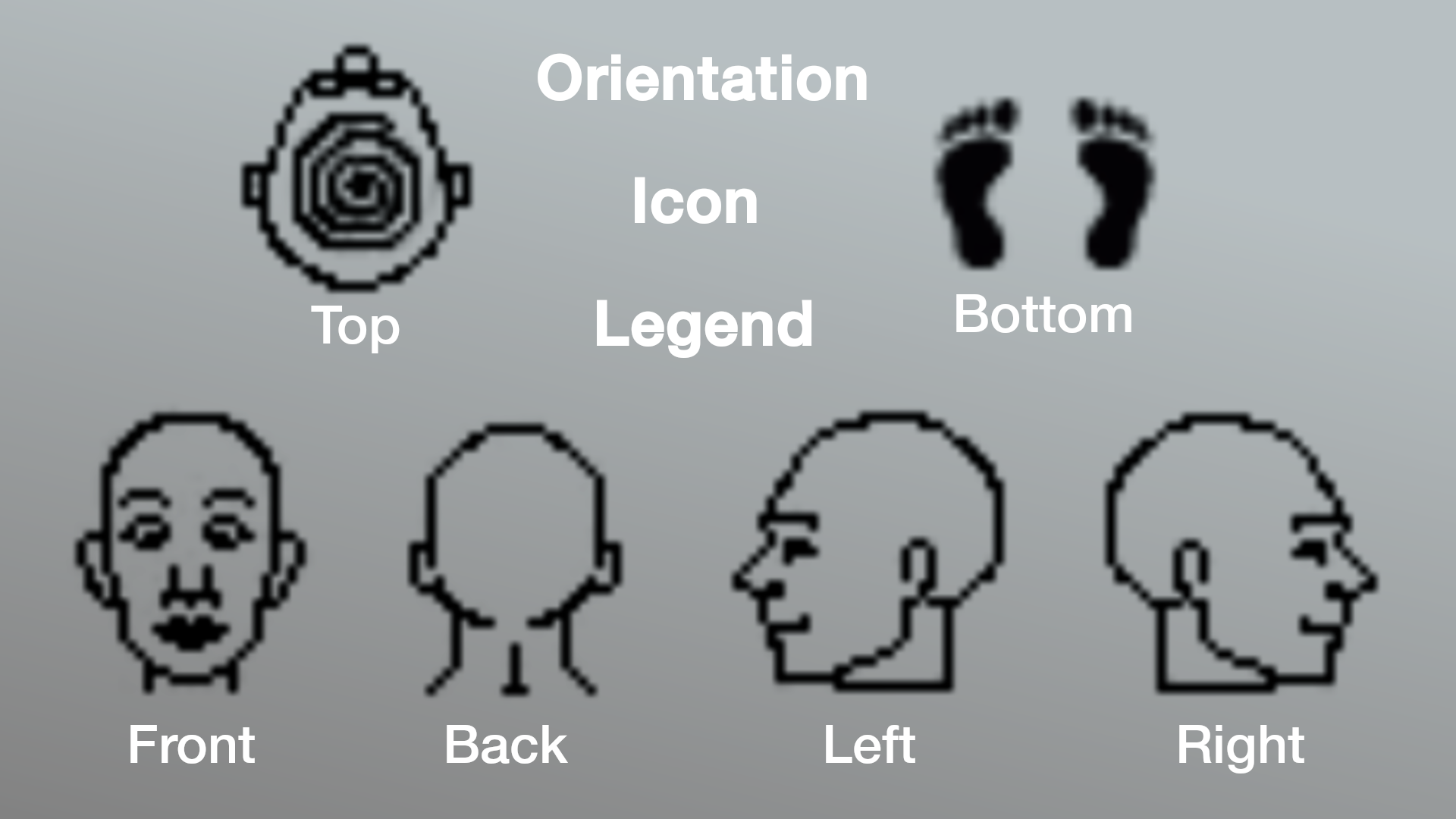
There are a series of new icons depicting the directions you can face your character with one click.
the legend is as follows:
Icons: Your Basic Character Orientation
The Basic Page Layout:
Here we see the basic page layout at a glance with a tooltip explaination beside the spacial regions.
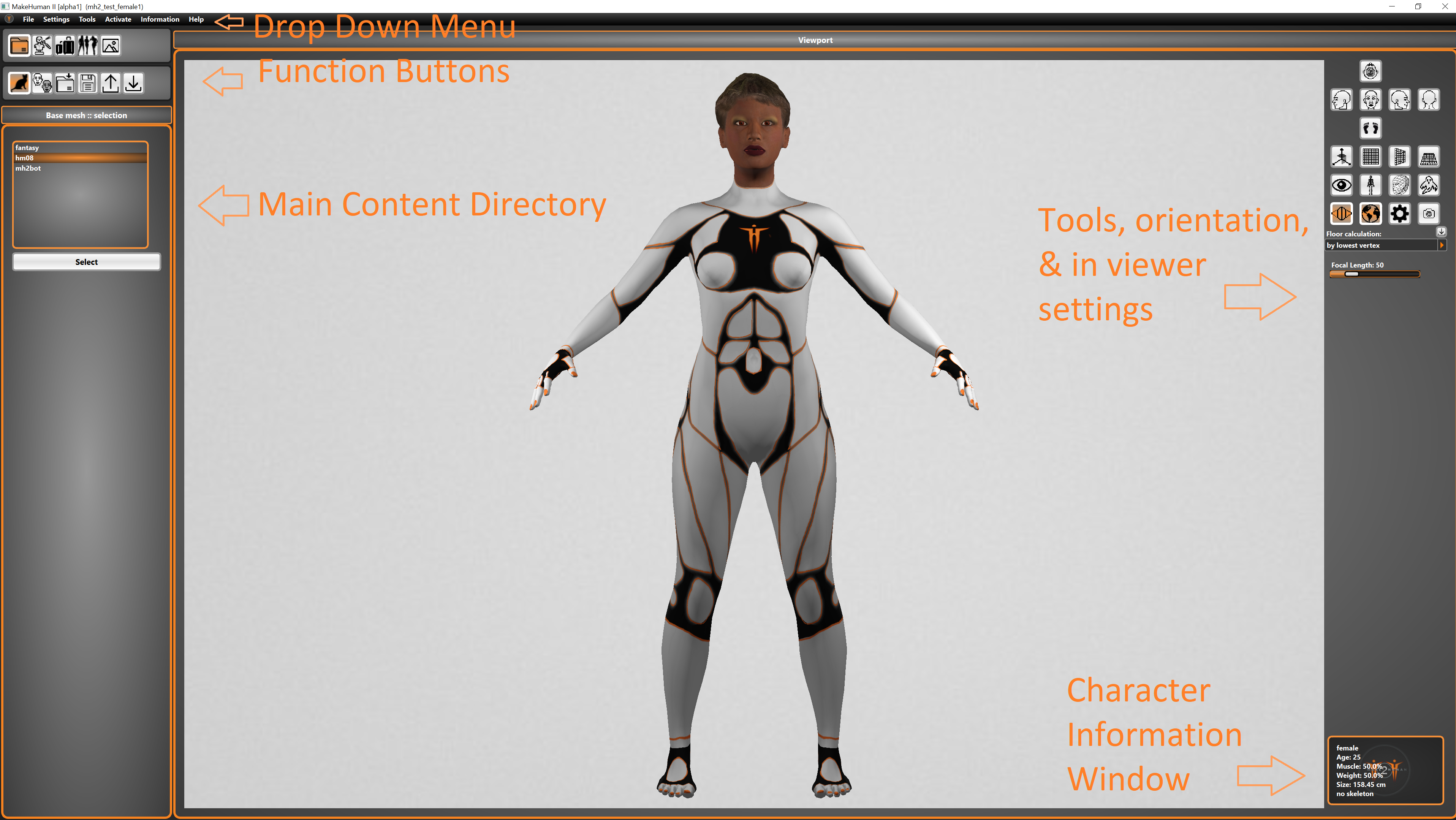
Across the top left of the main window software you will find a typical drop down menu in the form of file/settings/Tools etc.
There are a lot of basic functions that can be used with icon clicking in the interface, and advanced ones you will find only in here.
The Drop Down Menu:

In addition to the menus there are an assortment of clickable icons/aka buttons throughout makehuman 2 for almost anything you may need to do.

There are also a host of slider based systems for adjustment and fine tuning of character settings.
