|
Home Table of Contents News Dev Blogs Gallery Timeline Legend Tags Sponsors |
|
Join us on... |

|

|

|

|
|
Home Table of Contents News Dev Blogs Gallery Timeline Legend Tags Sponsors |
|
Join us on... |
|
|
|
Current: Month Day, Year
Using Makehuman 2 to create your first model.
On the left side of your screen on the main screen(the first screen that loads for you upon opening MH2) You will
see a panel to select your base mesh.  See below:
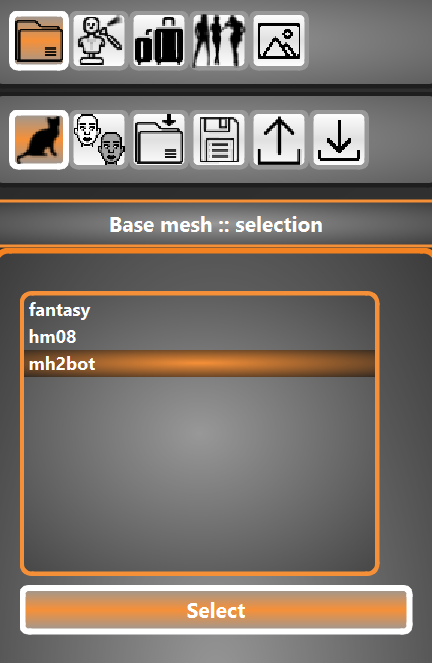
For now there are 2(3)choices.
HM08-the base mesh from makehuman history
This is a unisex model suitable for using in any of the usual makehuman character modeling practices including but
not limited to attaching skins, proxy, clothing, hair etc.
mh2bot-the new robot base mesh for proof of current concepts!
This is a basic model to prove what is possible with interchangable base mesh in MH2
fantasy-this is the new fantasy version of HM08 Base Mesh
This is a unisex model that has the abilty to work with an all new helper system of interchangable fantasy elements!
Once this model is completed it will allow the user to create clothing(and body parts) in MC2 for use with this mesh
in MH2! Includes but not limited to back tail, fish tail, antenae, etc.
On the top left side of screen select the skin window from the function icon panel 
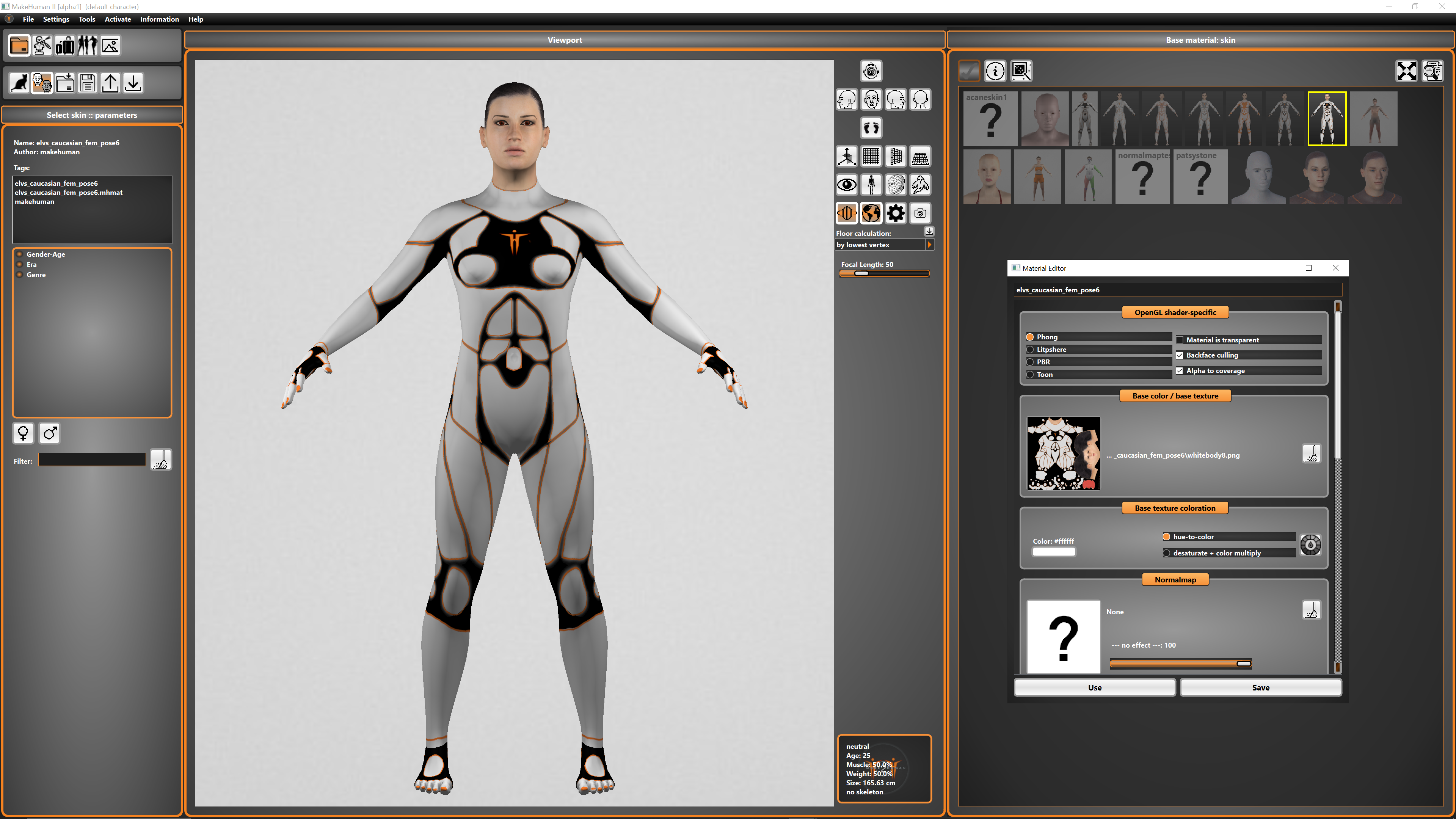
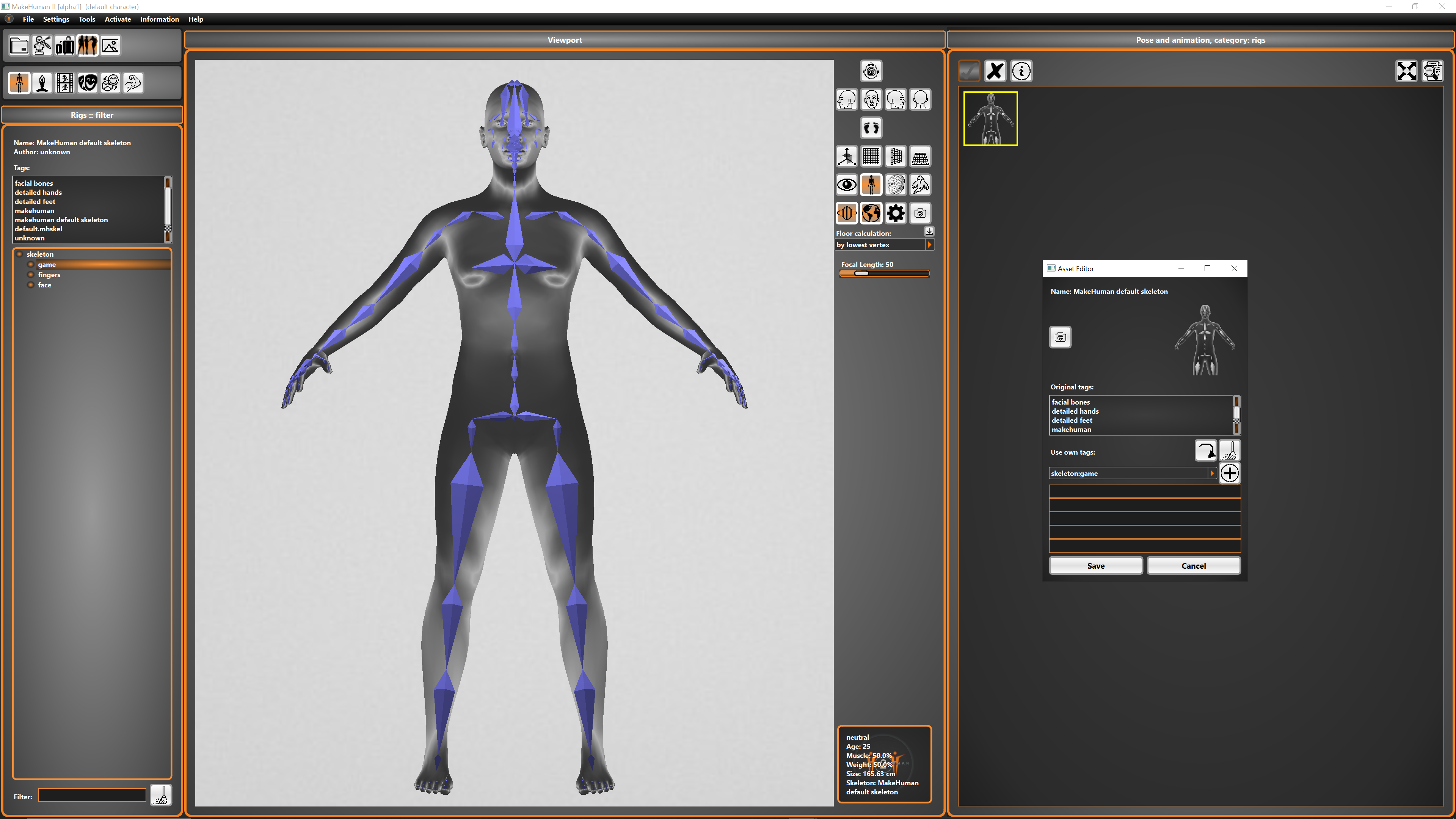
Click these icons to go to skeleton selection screen  +
+ 
Skeleton Selection window: