|
Home Table of Contents News Dev Blogs Gallery Timeline Legend Tags Sponsors |
|
Join us on... |

|

|

|

|
|
Home Table of Contents News Dev Blogs Gallery Timeline Legend Tags Sponsors |
|
Join us on... |
|
|
|
Current: Month Day, Year
Adjusting and working with Gender on the human base mesh.
Gender is not static, it is fluid in MH2. You can use partial or full gender assignments on the basic HM08 character mesh.
The gender slider is located in the Modeling tab  and can be selected on the left under Modeling/Main/Macro.
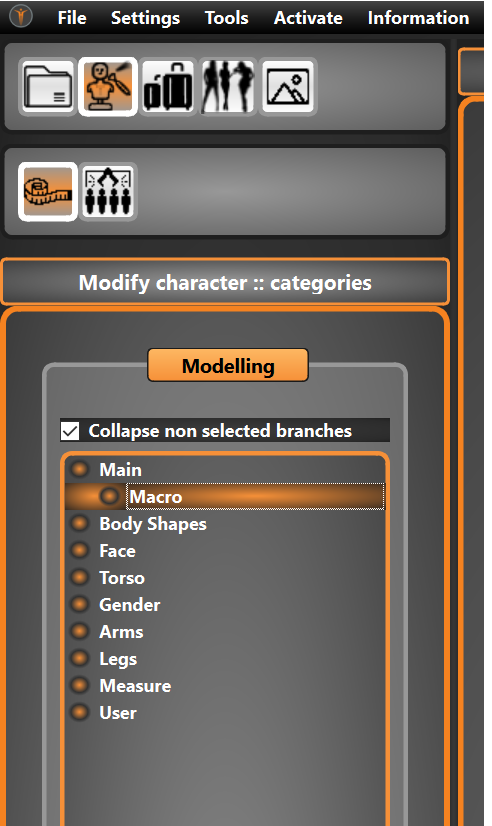
This can then be found and used on the right hand side,- slider “Gender” and is by default halfway, or “Uni-Gender”.
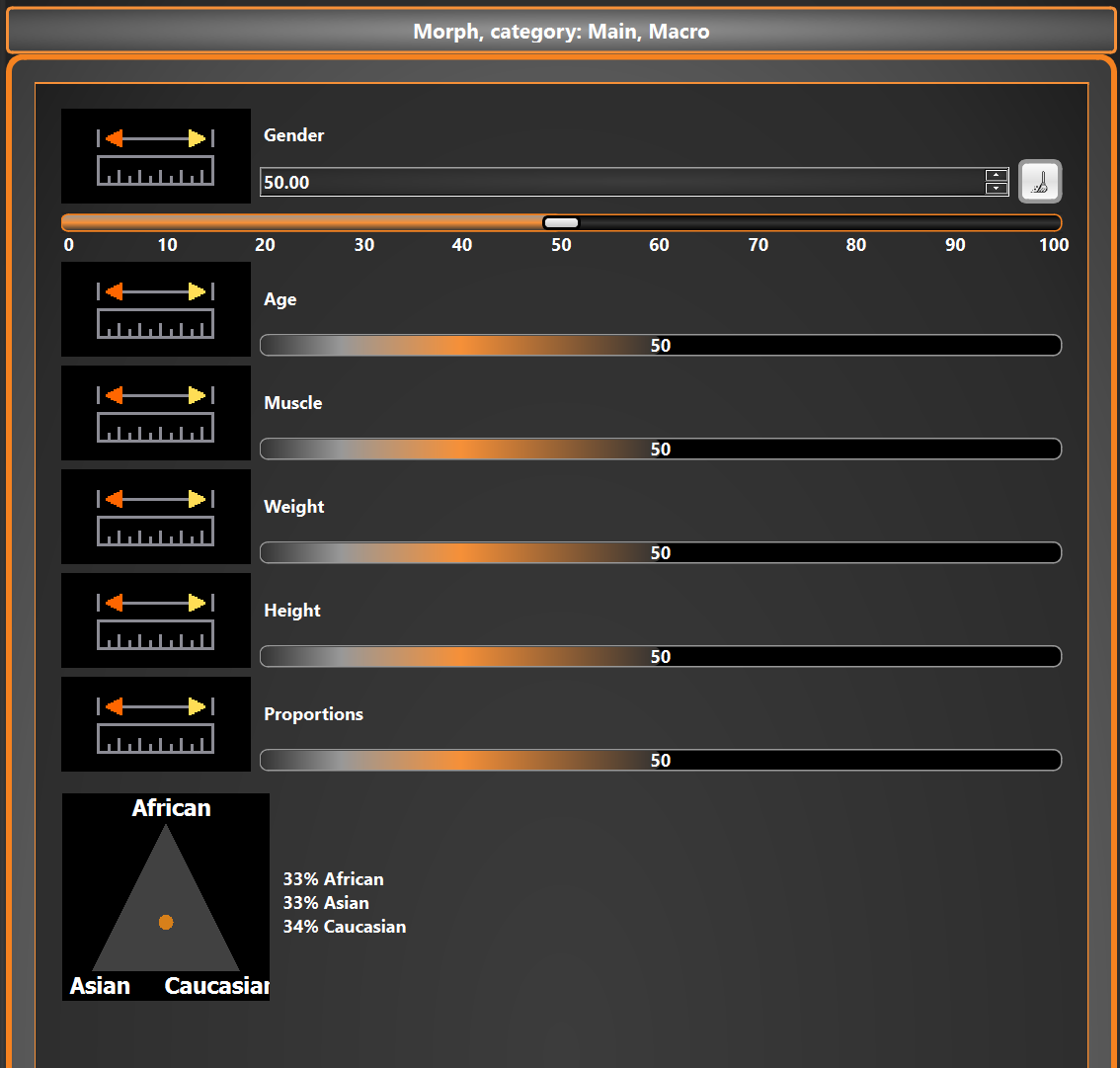
Moving the slider to the left imposes the female form, and moving the slider to the right creates a more masculine appearance. You can also type in the exact percentage you require above.
To quickly reset back to center you can click the broom icon. 
Using the slider you can also witness the change in size and gender percentage in the character information panel to the lower right of the human mesh.


