|
Home Table of Contents News Dev Blogs Gallery Timeline Legend Tags Sponsors |
|
Join us on... |

|

|

|

|
|
Home Table of Contents News Dev Blogs Gallery Timeline Legend Tags Sponsors |
|
Join us on... |
|
|
|
Current: Month Day, Year
Backgrounds in MakeHuman2 are used to interact with certain materials, usually with mirroring or metallic effects. When started first time MakeHuman2 is supplied with a neutral studio setup.
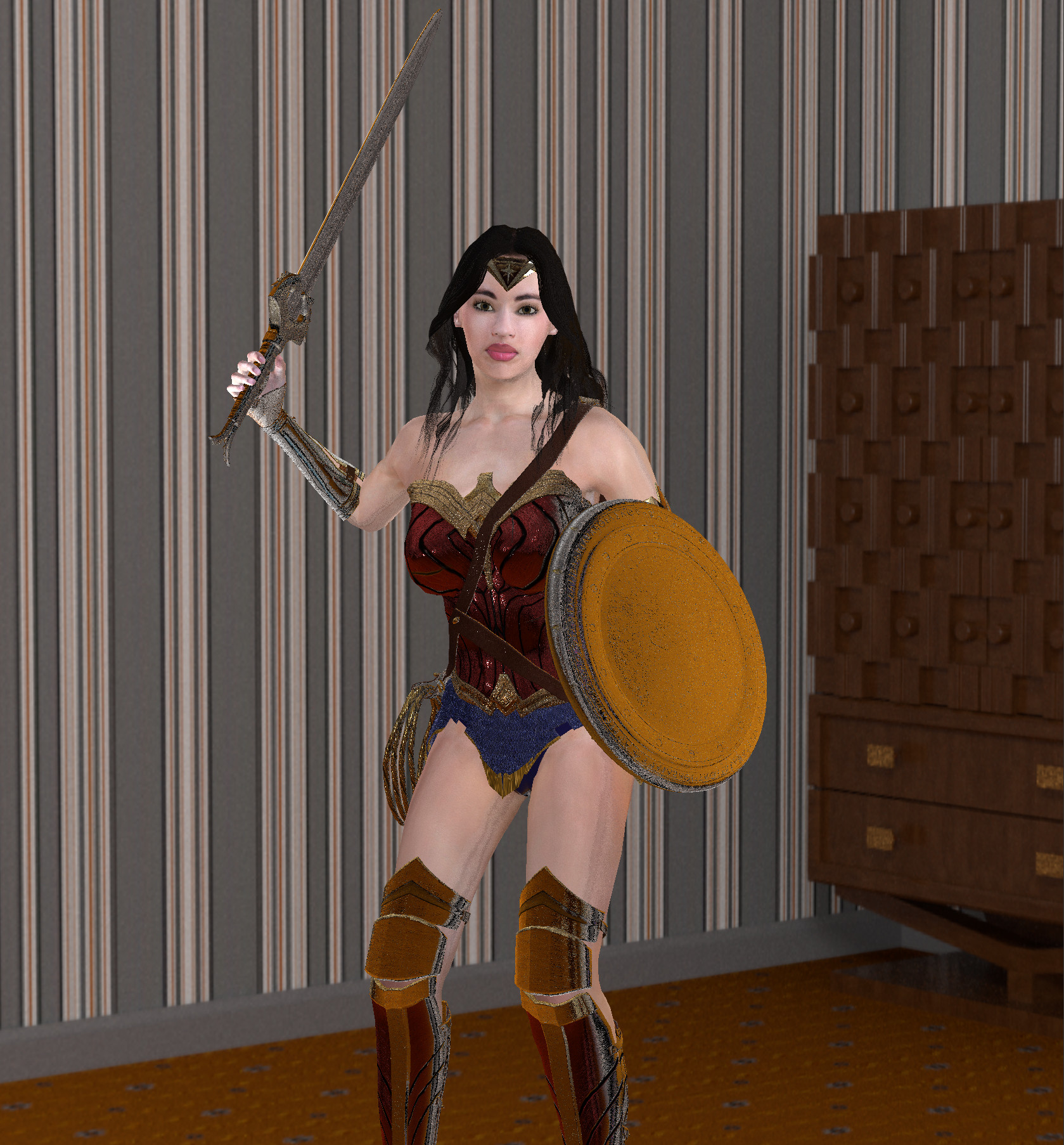
The background is a so-called cubemap or skybox, that means 6 planes are grouped together to create a 3 dimensional room. The origin of the unposed character is in the middle of this cubemap. All planes of the cube are created in an openGL mode so that they seem to be behind all assets.
In orthogonal mode no background is available because there is no depth.
The backgrounds are placed in one of the shader directories, either in system space or user space. The following names are accepted:
data/shaders/skybox/<skyboxname>/<orientation>.jpg
- or -
data/shaders/skybox/<skyboxname>/<orientation>.png
orientations: negx  negy  negz  posx  posy  posz
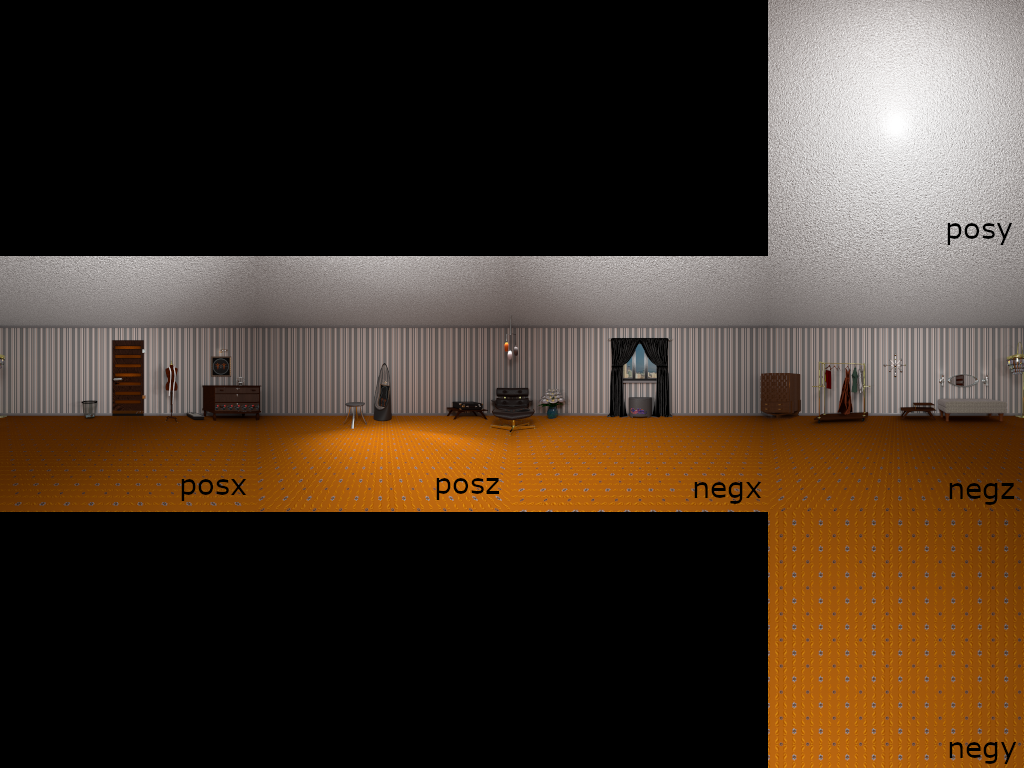
We supplied some backgrounds in an extra asset pack as a download (Makehuman2 additional Cube-Maps).